How Learna works · Studio owners
Studio owners · guide 11 of 11
Share rooms without clashes
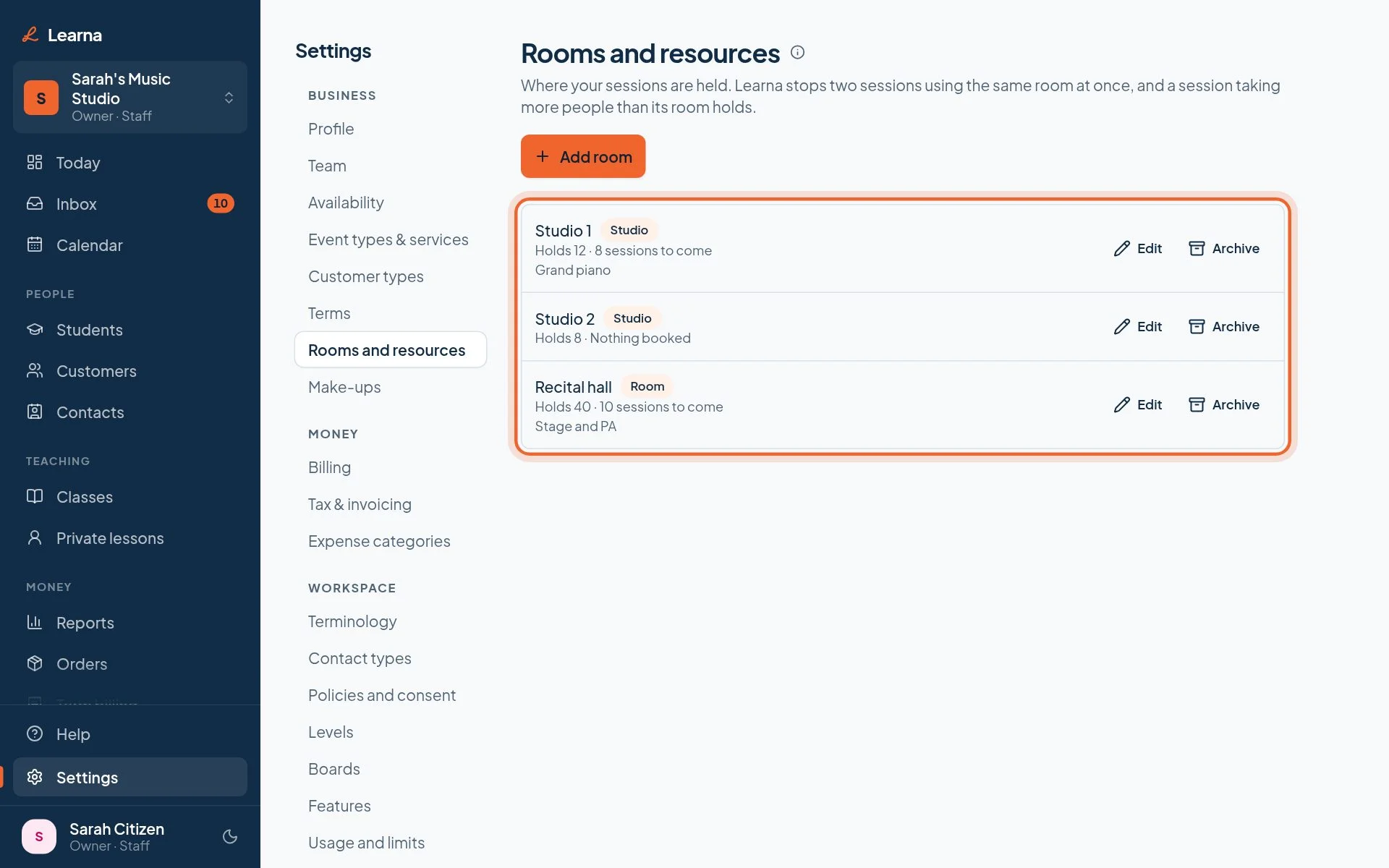
Run classes side by side without two booked into one room, or a class too big for its room.
Owner2 min
Switch on Rooms and resources in Settings → Features.
Studio owners · guide 11 of 11
Run classes side by side without two booked into one room, or a class too big for its room.
Switch on Rooms and resources in Settings → Features.